Auto-Provisioning Users (SCIM)
As of Cortex 3.0, you can auto-provision users from your IdP using the SCIM standard.
Enable SCIM
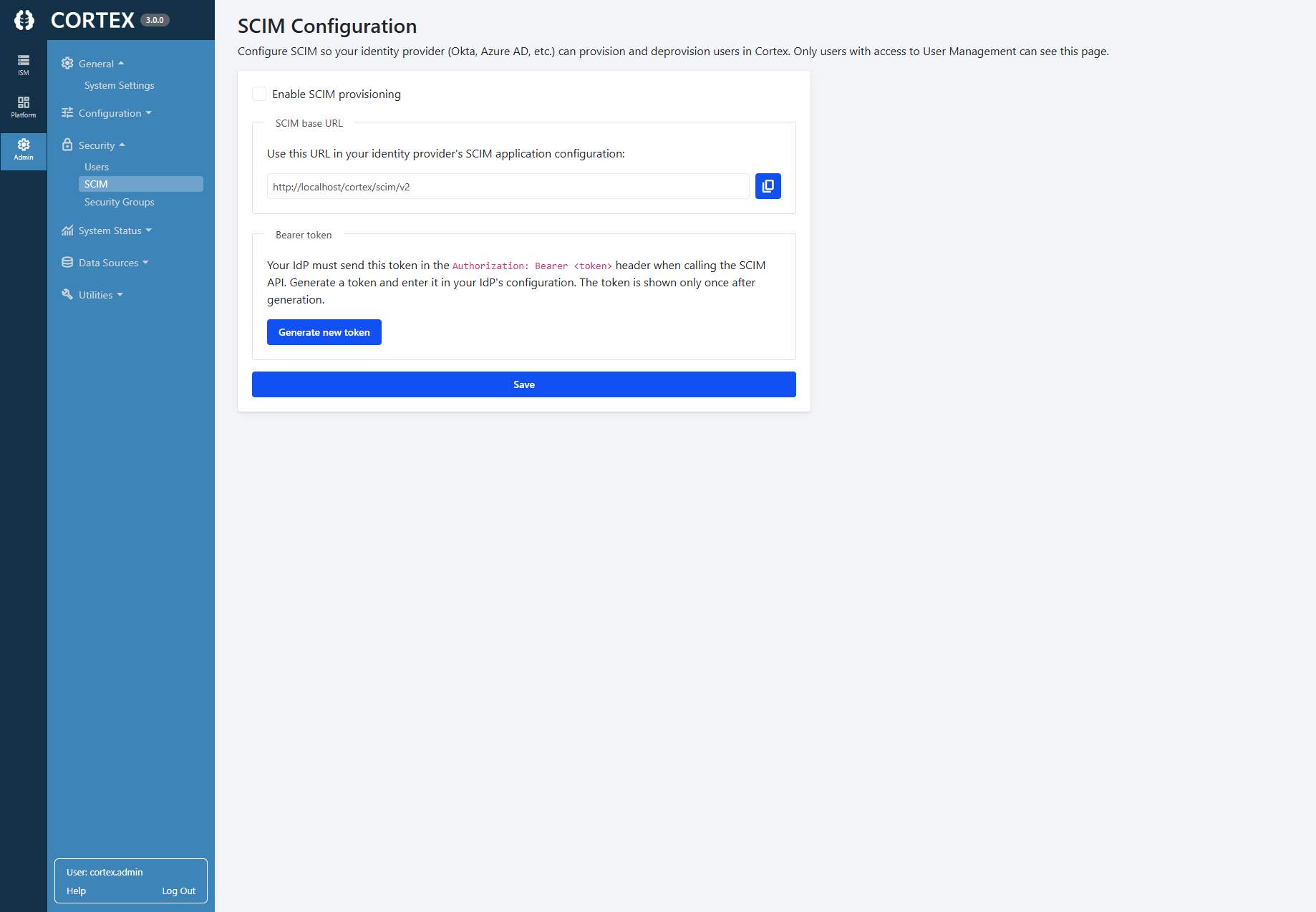
In Cortex, visit the SCIM settings in the Admin menu
Enable SCIM, then generate a new token. You'll need to copy both the SCIM URL and the newly-generated token into your IdP's configuration (see below).
Once you have copied the token, be sure to Save the configuration.
Configure your IdP
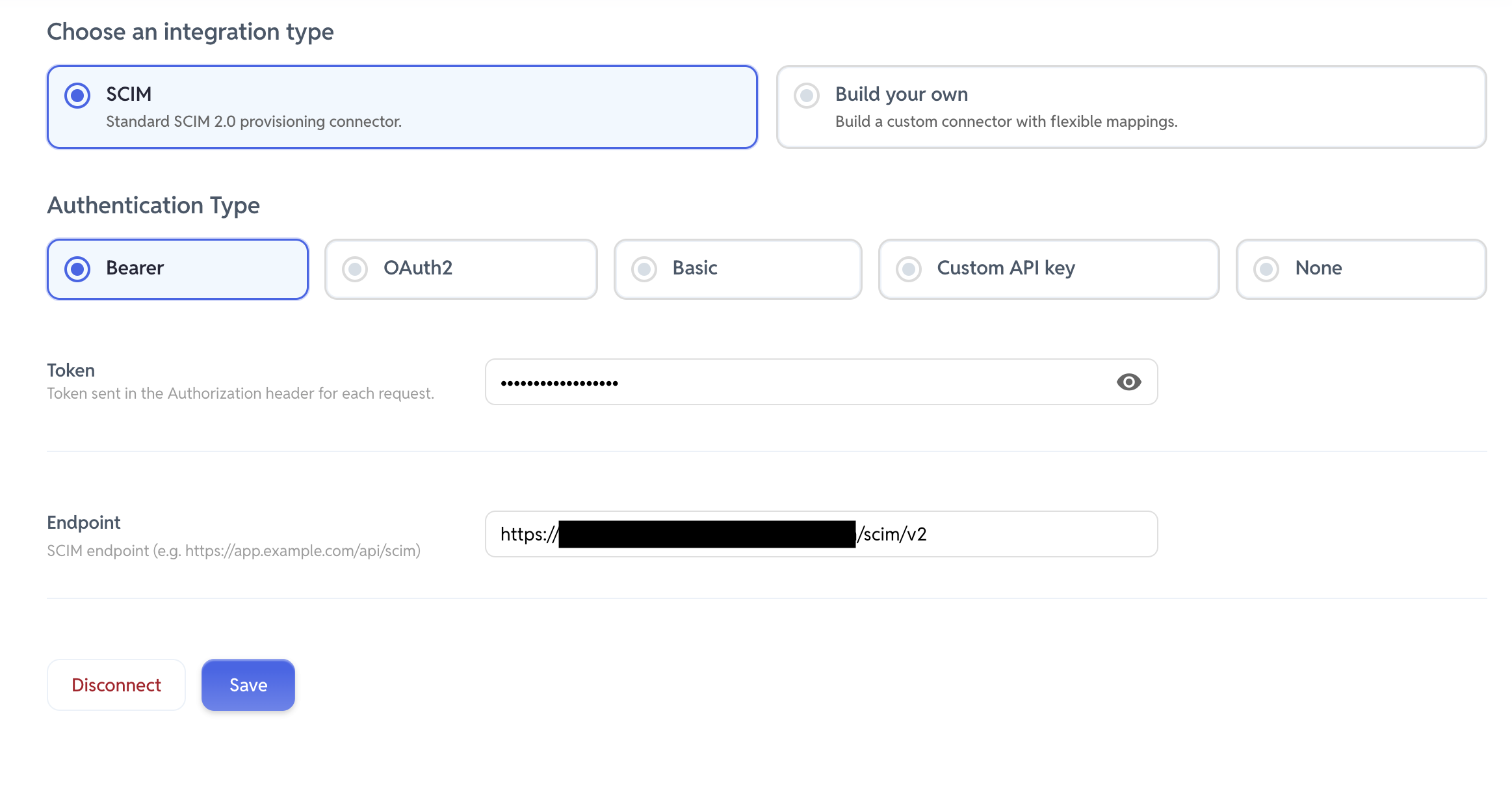
In your IdP's configuration for the Cortex application (or in a separate identity solution, depending on your setup), configure the following settings. Use the SCIM URL and token copied from the step above. Your settings may not look exactly like the screenshot below (which is from YeshID), but should have similar options.