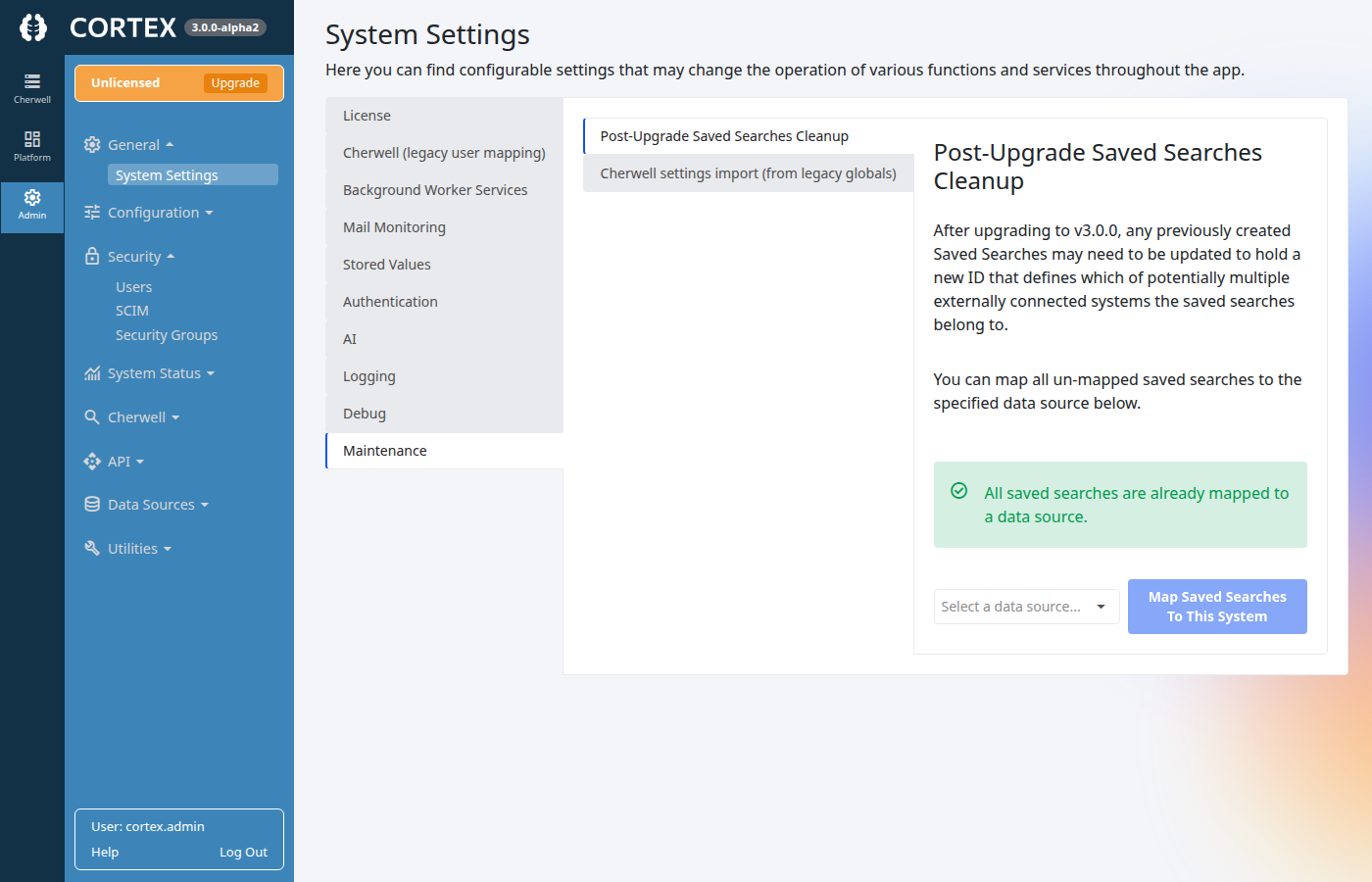
v3.0.0: Map saved searches to a data source
After you upgrade to Cortex v3.0.0 from an earlier release, plan to complete Post-Upgrade Saved Searches Cleanup. Saved searches created before v3.0.0 may not yet have a data source ID stored on them; Cortex now stores which externally connected system each saved search belongs to. Most organizations that upgrade will have at least some saved searches in that state and should map them so users can open and run them reliably.
A new installation of v3.0.0 (no prior saved searches) does not need this step.
When you are done
The Maintenance screen reports how many saved searches still need a data source. When that count is zero, you are finished for this environment.
Who can do this
You must be signed in as a Cortex Admin. The page lives under Admin → System Settings.
Steps
- Open Admin → System Settings.
- Select the Maintenance tab on the left.
- Open the inner tab Post-Upgrade Saved Searches Cleanup.
- Choose the data source that those historical searches should belong to (typically the primary archive or system your organization used before the upgrade).
- Click Map Saved Searches To This System.
Cortex updates every saved search that still has an empty data source in one operation. After it completes, test a few important saved searches (open them and run them) to confirm they behave correctly.