Browsing Data
The Browse page lets you navigate your archived data by business object - the same tables and records you would have seen in your source system - without needing to run a search first.
Accessing Browse
From the left navigation menu, click Browse. You will see a list of the business objects available in your archive.
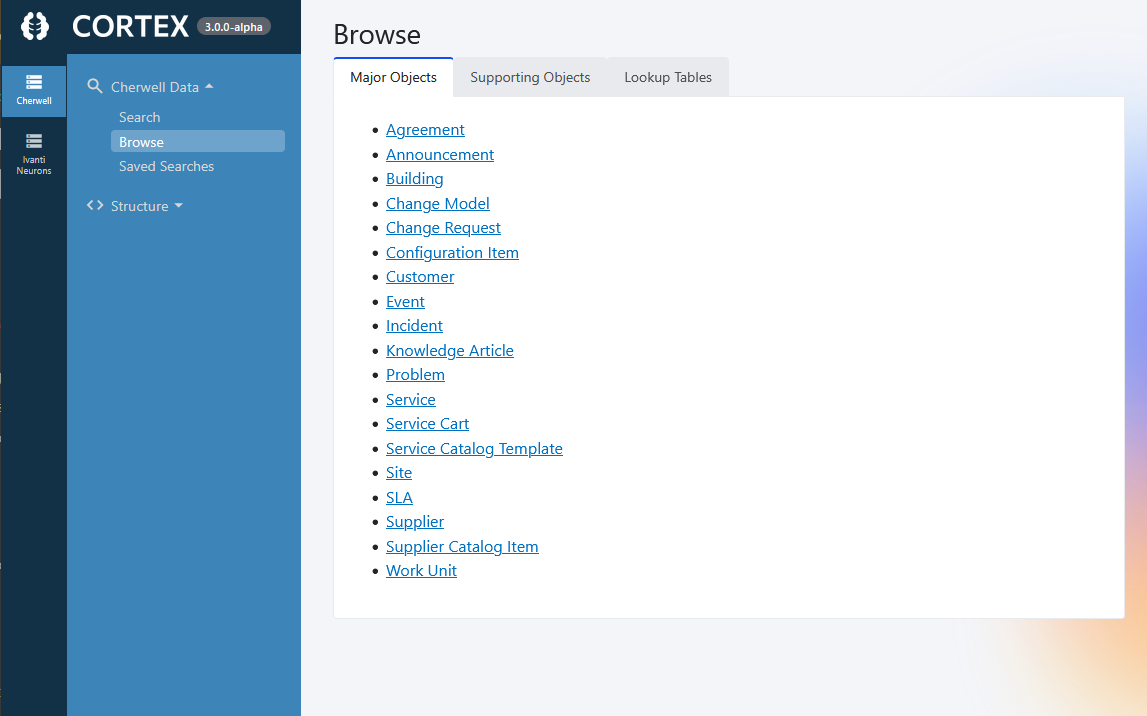
Select a business object to open its record grid.
The Record Grid
Once you select a business object, you will see a grid of records. The columns shown match the grid definition from your source system - the same columns you would have seen in Cherwell, Neurons, Jira, or SNOW.
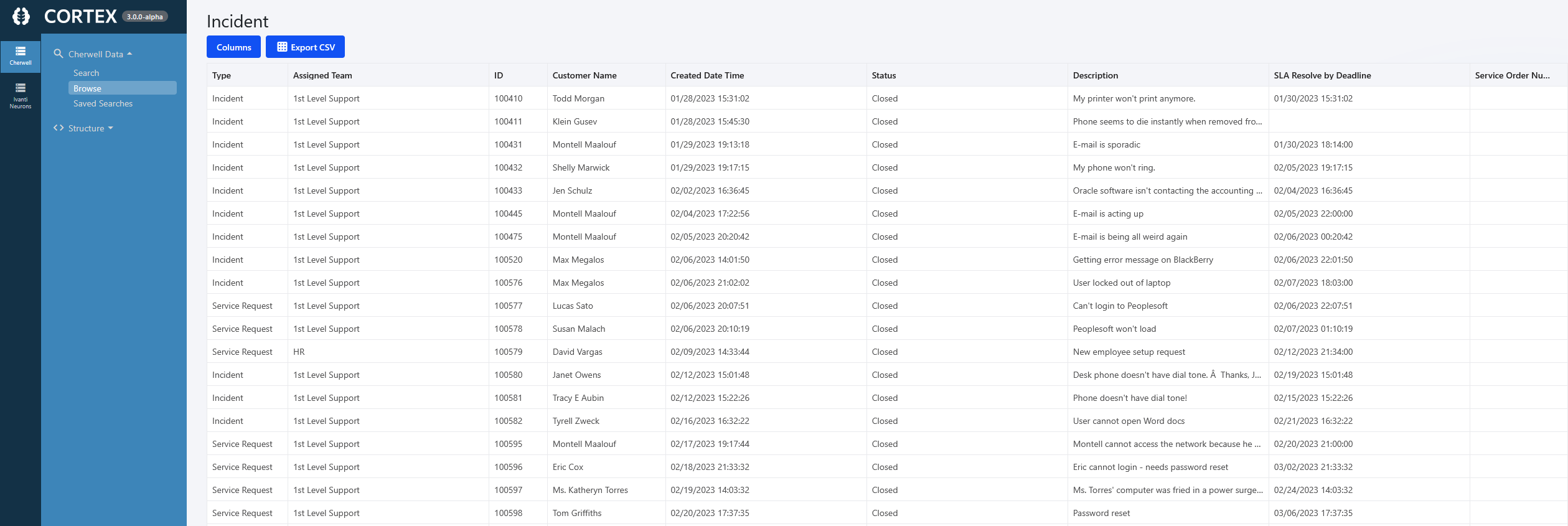
Double click any row to open the full record.
Viewing a Record
Opening a record loads the full form view. Cortex renders the form directly from the definitions stored in your archived database - the same layout, fields, and tab arrangement your team would have seen in Cherwell, Neurons, Jira, or SNOW..
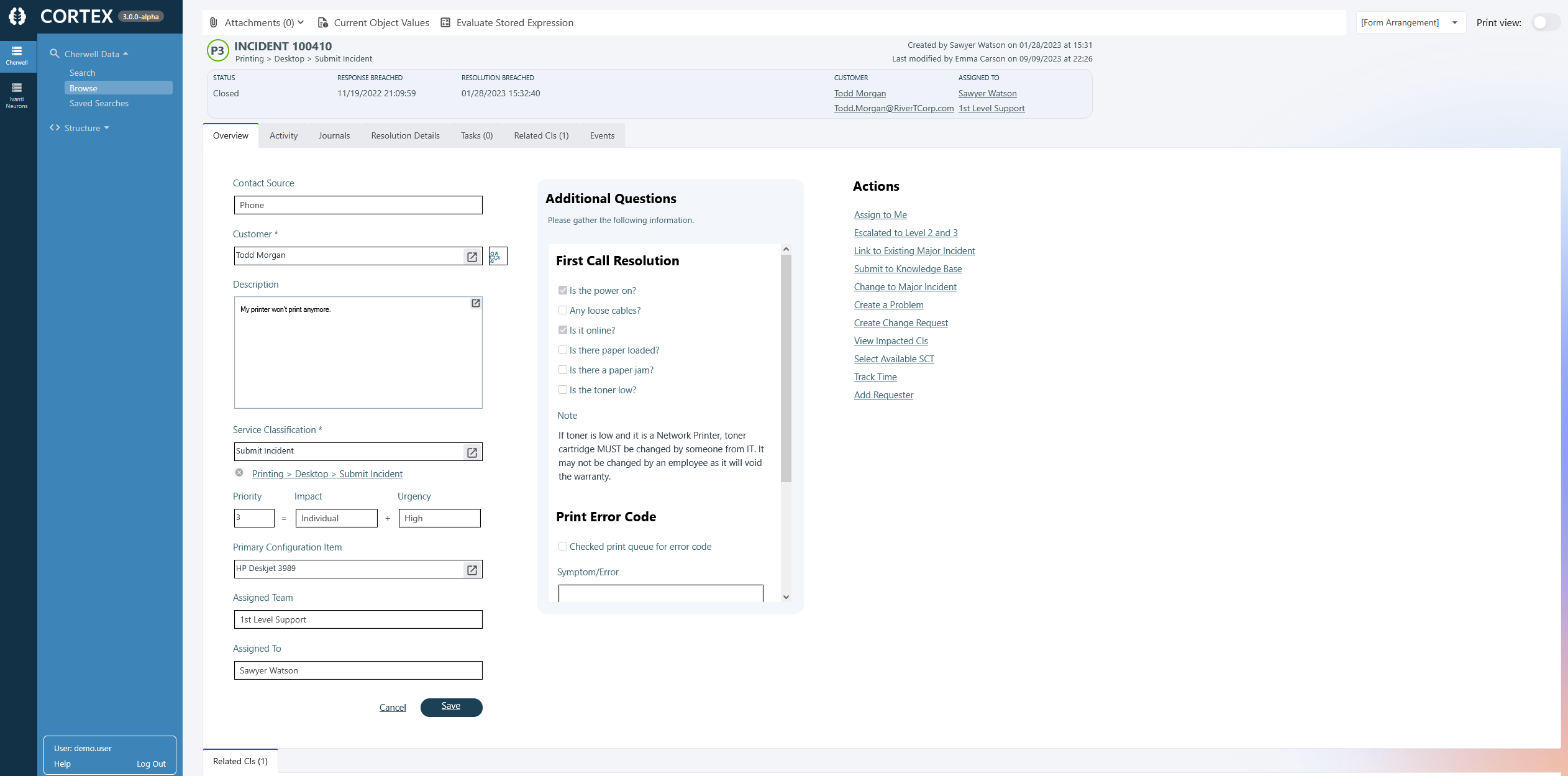
Forms are read-only. Controls that would normally trigger actions or change data in Cherwell - such as workflow buttons - are not active in Cortex Archive.
Loading a record may take a moment. Complex records with many fields, expressions, and relationships can take a little time to render, just as they did in Cherwell.
Relationships and Tabs
At the bottom of each record, you will see tabs showing related data. These correspond to the relationships defined for that business object in Cherwell.
Examples of what you might see:
- Journals - the full audit trail and comment history for the record
- Tasks - tasks associated with the record
- Approvals - any approvals linked to the record, with a count shown in the tab title
- Related CIs - configuration items linked to the record
- Related Change Requests - change requests associated with the record
Double-clicking a row in any relationship tab opens that related record.
The grids shown in each relationship tab use the same grid definitions as the Browse page - if you browse directly to Configuration Items, the columns will match what you see in the CI tab of an incident.
You may see two sets of tabs on some records. One set comes from the form arrangement defined in Cherwell, and the other comes from Cortex's related item navigation. Both are showing related data - they are just organized differently depending on how your system was configured.
Troubleshooting
If records are not loading or relationships are not showing as expected, see: